
Small business marketing automation is software that sends emails, follows up with leads, and tracks customer activity on rules you set once, so routine marketing runs without someone doing it by hand each time. Most small businesses can launch a basic setup in a few days, with email and simple automations as the starting point and no technical background required.
Cost is the first question owners ask, and the entry price is lower than many expect. ActiveCampaign’s Starter plan begins at $15 per month for up to 1,000 contacts, covering email marketing, basic automation, and limited CRM features. Mailchimp’s Standard plan starts at $20 per month at the same list size. Fuller automation and CRM tools sit higher, such as ActiveCampaign Plus at $99 per month, so match the plan to your actual needs rather than buying the biggest tier.
The costly mistakes are usually legal, not financial. Canada’s Anti-Spam Legislation (CASL) makes it illegal to send commercial electronic messages to Canadian recipients without proper express or implied consent. For law firms, clinics, franchises, and restaurants, that makes consent tracking part of the setup, not an afterthought.
What follows covers the tools and costs, the consent basics, the setup steps in order, and how to check that your automations are working and reporting honestly.
What You Need Before You Start: Tools, Materials, and Costs
How to Compare Pricing and Features Without Overpaying
Start with your list size and your goal, not the feature grid. A restaurant sending a weekly promotion to a few hundred subscribers has very different needs than a multi-location franchise routing leads to local managers.
Weigh four things:
– Contact limits: Pricing is tied to list size. ActiveCampaign’s Starter plan starts at $15/mo for up to 1,000 contacts, so check what happens to your bill as your list grows.
– Built-in CRM: Starter includes only limited CRM features, while Plus at $99/month adds full automations and a CRM. If you track client inquiries or patient follow-ups, that jump may be worth it.
– Automation depth: Basic automations cover welcome emails and simple follow-ups. Branching, multi-step workflows are what you pay more for.
– Who manages it: Doing it yourself costs less in cash but more in time. An agency-managed option runs from CA$490/month with a 3-month minimum.
Before you commit to a trial, gather your materials:
- An email and automation platform that fits your list size
- A contact list with documented consent for every address
- CRM fields for consent date, source, and lead status
- A short journey map of the follow-ups you want to automate
- A working unsubscribe page or link
If you can only check off the first item, you’re not ready to compare plans yet. Prices change, so confirm current rates on each provider’s site before you decide.
Safety Warnings: Consent Rules and When to Pause Your Automation

Before you switch on a single workflow, treat consent as your safety check. Automation sends messages without you pressing a button each time, so one bad setup can reach hundreds of people before you notice.
The rule that matters most for Canadian audiences is CASL, Canada’s Anti-Spam Legislation. It makes it illegal to send commercial electronic messages to Canadian recipients without proper express or implied consent. That covers promotional emails, appointment-driven offers, and many automated follow-ups, so it applies to nearly every campaign a small business will build.
Think of a few clear stop conditions. If any one of them applies, pause and fix it first:
– Purchased or old lists. Don’t import a list you bought, borrowed, or inherited from years ago. If you can’t say how those contacts agreed to hear from you, they aren’t safe to email.
– Undocumented consent. If you can’t point to a record showing when and how someone gave consent, leave that contact out of the automation.
– Broken unsubscribes. If a workflow can’t honor an unsubscribe request, turn it off until it can.
A good habit is a quick pre-launch check on each workflow: where did these contacts come from, do you have the record, and does every message carry a working opt-out? Five minutes here prevents far larger problems later.
Legal and healthcare owners should take one extra step. Your industries often carry their own privacy and advertising obligations on top of general anti-spam rules. Confirm those requirements with your own counsel or compliance lead before automating client or patient communications, rather than assuming a general platform setup covers them.
Step-by-Step: Setting Up Consent Tracking, Automation, and CRM Follow-Up
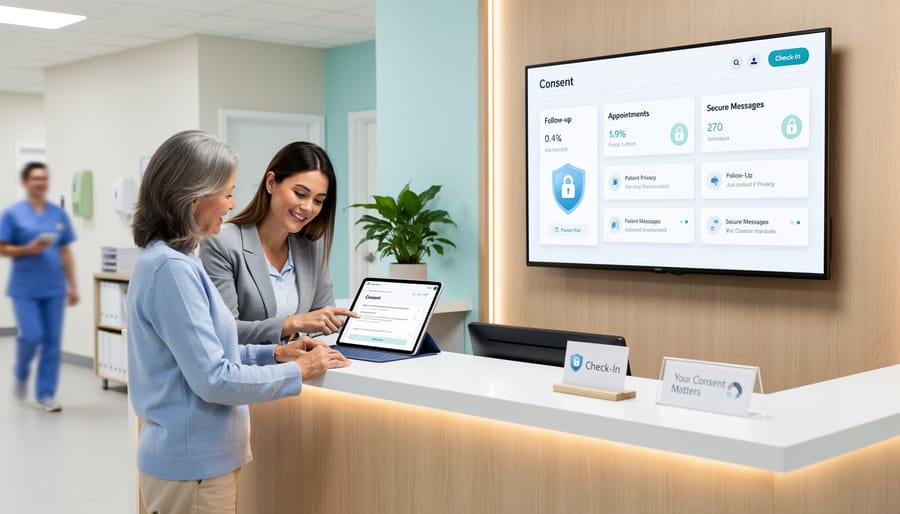
Set Up Consent Tracking and Unsubscribe Handling First
Consent is the foundation of every automation, so build it before you send a single message. Under CASL, sending commercial electronic messages to Canadian recipients without proper express or implied consent is illegal. A record you can’t produce is a record you don’t have.
Start by capturing three details for every contact: when they gave consent, how they gave it (a website form, an intake form, a front-desk sign-up sheet), and the exact wording they agreed to. Store these as fields on the contact record in your CRM so the proof travels with the person. Use plain signup language, such as “Yes, send me appointment reminders and monthly updates by email,” instead of a pre-checked box or vague fine print.
Unsubscribing should take one click and trigger automatically. The moment someone opts out, your platform should suppress them from every flow, not just the email they replied to. Honor requests promptly, and test the link yourself.
Here is the order that keeps this foundation in place while you build:
- Compare pricing and features and select a platform that fits your budget and contact count.
- Check consent and compliance rules for your audience, including whether you serve Canadian recipients.
- Set up consent tracking and unsubscribe handling, with consent date, source, and wording saved to each contact.
- Build a welcome or new-lead automation that only sends to documented, consenting contacts.
- Connect the CRM so every lead has an owner and a scheduled follow-up.
- Add a second automation, such as a re-engagement or reminder flow, once the first one is running cleanly.
Steps one and two are choices; step three is where compliance gets built in. Finish it before steps four through six, and everything you automate afterward inherits a clean record.
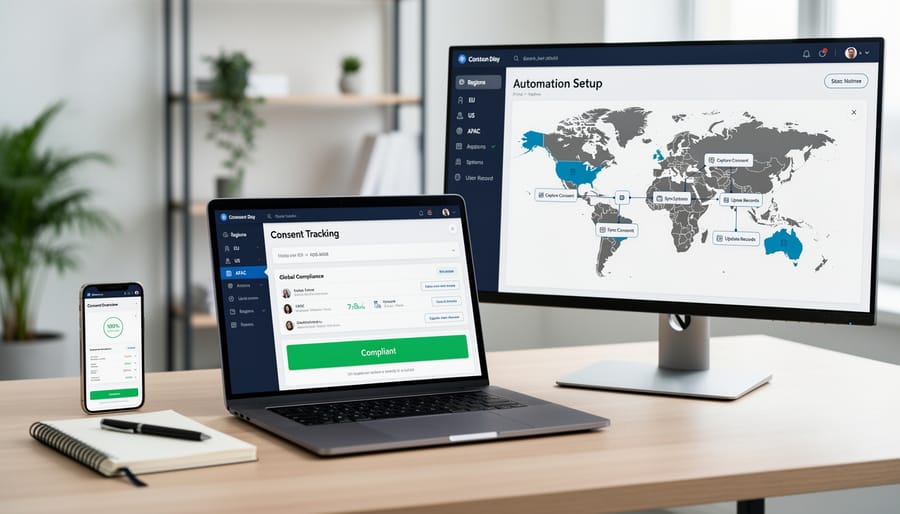
Build Your First Automations and Connect CRM Follow-Up
Start with two automations, not twenty. A welcome sequence and a lead follow-up workflow cover the moments where small businesses most often lose people: the first days after someone signs up, and the hours after someone sends an inquiry.
Build the welcome sequence first. Three or four short emails sent over a week or two is plenty. Introduce your business, answer the question new contacts ask most, and point them to one clear next step, such as booking a consultation, scheduling a visit, or reserving a table. Because every contact in this flow should already have documented consent, the unsubscribe link in each message must work without exception.
Next, build the lead follow-up workflow. When a form is submitted, the automation should send an acknowledgment, create or update the contact in your CRM, and set a status like “New inquiry.” If nobody has changed that status after a set window, say one business day, it should alert a team member. That alert is what keeps an inquiry from sitting unanswered, whether it’s a legal intake request, a patient question, a franchise location lead, or a catering order.
Connect the CRM before you go live. Every contact’s consent record and status should sync both ways, so your email platform and your CRM never disagree about who can be contacted or where a lead stands. Platforms with built-in CRM features, such as the ActiveCampaign Plus plan at $99/month, keep this in one place, though limited CRM tools on lower plans can work for simple setups.
Then measure before you refine. Pick your metrics up front, and track automation metrics like open rates, click rates, and response times for a few weeks. Change one element at a time, such as a subject line or a delay, so you know what actually moved the numbers.
How to Verify It Works and Report on Results
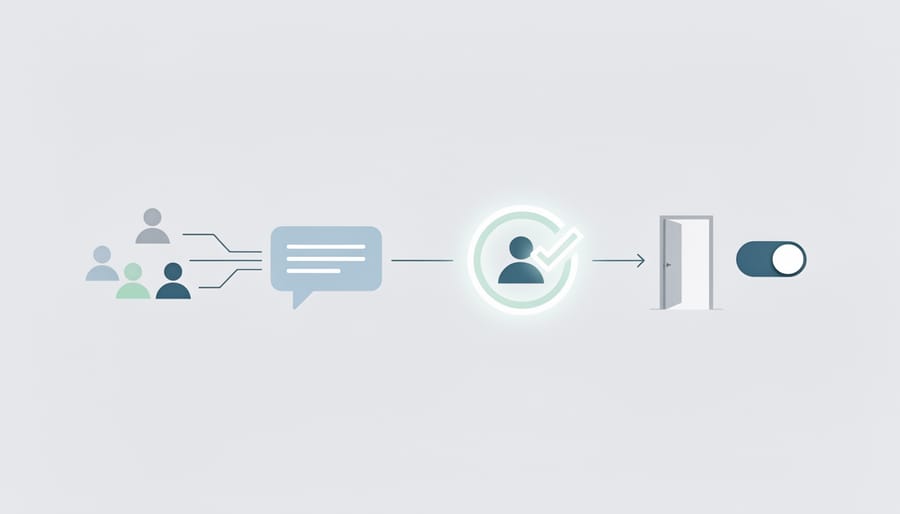
Before any automation goes live, test it the way a contact would experience it. Send test messages to a few internal addresses and open them on both desktop and mobile. Click every link, including the unsubscribe link, and confirm the request is honored right away rather than after a manual cleanup. Then submit your own signup form and check the CRM: the consent fields (date, source, and the wording the contact agreed to) should populate automatically. If a field comes through blank, fix it before launch. Under CASL, a record you can’t produce is a record you don’t have.
Once the automations are running, watch a short list of numbers rather than everything your platform can report. Open and click rates tell you whether your messages are earning attention. Lead response time shows whether inquiries are reaching the CRM and getting a human reply quickly. Conversions from each automated flow, whether a booked consultation, a reservation, or a franchise inquiry, show whether the sequence is doing its job.
Define these metrics before you launch, so you aren’t choosing flattering numbers after the fact. Then review them on a set schedule, such as monthly, and share the same figures with your team or clients each time. That consistency is what makes reporting transparent. Basic marketing analytics habits like this help you see which messages deserve more investment and which need rewriting.
Treat early results as a starting point, not a verdict. Adjust one variable at a time, such as a subject line or send delay, so you know what caused any change.
Small Business Marketing Automation: Common Questions
What is marketing automation for a small business?
It’s software that sends timely emails, follows up with leads, and updates customer records without manual effort. Think of it as a repeatable workflow that runs while you focus on clients, patients, or guests.
How much does it cost to get started?
Pricing varies by contact count and plan. ActiveCampaign Starter is listed at $49/month, or from $15/mo for up to 1,000 contacts, while Plus is $99/month with full automations and CRM. Mailchimp Standard starts at $20 per month at the same list size, and agency-managed options start from CA$490/month with a 3-month minimum. Confirm current rates on each provider’s site.
Do I need a CRM?
A basic CRM helps because it stores consent records and keeps lead follow-up from slipping through the cracks. Some platforms include limited CRM features, while fuller CRM tools sit on higher plans.
Does CASL apply to my business?
If you send commercial electronic messages to Canadian recipients, yes. CASL makes it illegal to send them without proper express or implied consent.
Many owners also ask where to begin. Start with one welcome sequence and one lead follow-up workflow, and keep consent records clean from day one. If you want context on paid channels that complement your email program, read about what is search engine marketing and consider how blog promotions can feed new subscribers into your automations.
Outside help makes sense when your time is limited or your setup involves complex compliance needs. In that case, learn how to hire the right agency for your goals and budget.
Getting started with small business marketing automation comes down to four habits. Choose a tool that fits your budget and your list size. Build consent into the foundation, so every contact has a documented reason to hear from you. Automate carefully, beginning with one welcome sequence and one lead follow-up. Then review your results on a regular schedule, so you can see what’s working and adjust.
A good next step is a quick audit of your current contact list and follow-up process. Check where consent is recorded and which inquiries are waiting too long. If you’d like help tailoring automation to your goals, Marketing By Numbers can help.